
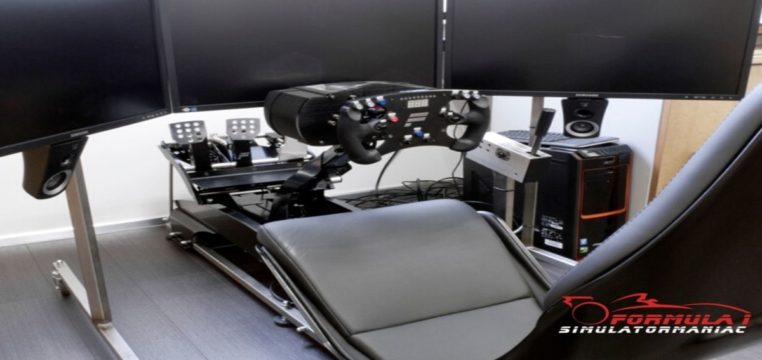
Most sim racers tend to think that realism is all about the software, better graphics, a huge car list, or laser-scanned tracks. But after a while, you start to notice that something feels off; the car doesn’t really feel alive, and you can’t quite find the limit. You’re driving, sure, but you aren’t actually understanding what the car is trying to tell you. The hard truth is that true realism doesn’t actually come from the simulator itself; it comes from what you’re able to feel through your setup.
If your sim doesn’t feel real, it’s usually not the game.
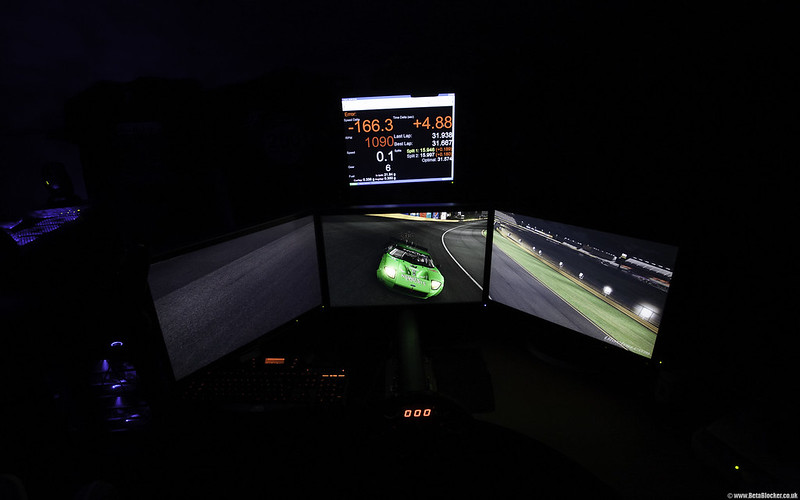
Why Your Setup Matters More Than the Game
The biggest difference between an arcade feel and real driving isn’t actually the graphics it’s the feedback. When you look at a direct drive versus a belt drive setup, the level of detail goes far beyond what you see on the surface. These high-end peripherals feature built-in haptic feedback that adds real-time resistance to your pedals and steering wheel based on exactly what’s happening on screen.
By taking factors like G-forces, oversteer, understeer, and gravity into account, the hardware translates the game’s physics into something tangible. Essentially, it means that if you closed your eyes, you’d still be able to feel the physics of the virtual world in action.
Made With PC Players In Mind
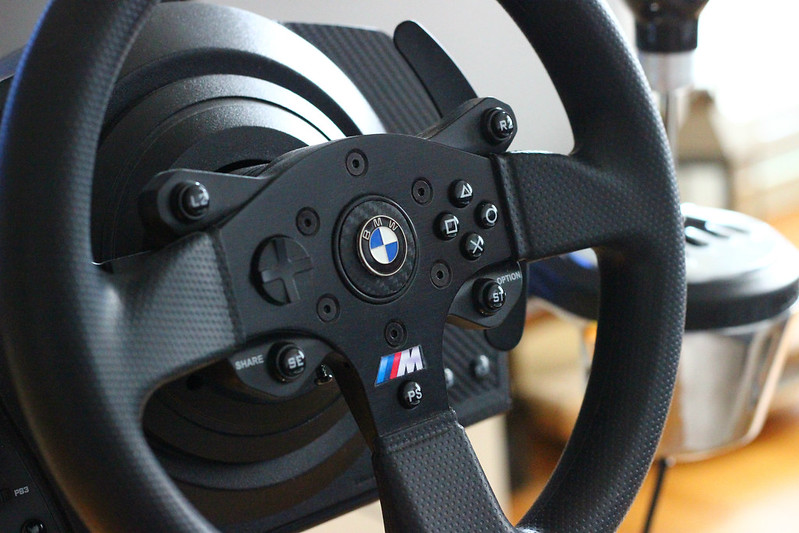
If you’re a PC player, you’ll know that racing games have never had your best interests at heart when making their games. Plus, the keyboard and mouse don’t exactly lend themselves to the racing genre. In the past, racing peripherals would have been seen as a step down from playing with a controller, but thanks to the advances in technology, the racing peripherals offer a gateway for PC players to play racing titles with a level of immersion and comfort that they would have never been able to achieve with a KBM setup.
Adds a new level of Challenge
When playing racing games and going around tracks that are completely new to you. It can be shocking how quickly you can adopt the perfect racing line, learn the course perfectly, and be setting records within an hour flat. In reality, even the most elite racers need to practice for hours on end just to become adept at one track. Yet with a basic knowledge of racing game mechanics, you can be a champion in no time. It just feels a little simplistic to us. Though with gaming peripherals, there a lot more considerations to account for.
With the resistance and the measured rotation of the wheel you need to consider, the shifting of gears that you need to master through the clutch pedal, and the braking that needs to be mastered through the pedals as well. This all culminates in offering a higher level of difficulty to each track. Giving the player an experience akin to a real-life racing driver. This might not be something everyone seeks out in their gaming experience but for those cruising through racing titles with ease, this can add an extra layer of enjoyment.
While most beginners are just obsessed with going faster, experienced drivers know that the real secret lies in control, smooth inputs, and precise braking. Understanding what actually improves lap times in sim racing is what eventually separates the hobbyists from the pros.
What Games Support Peripherals Best
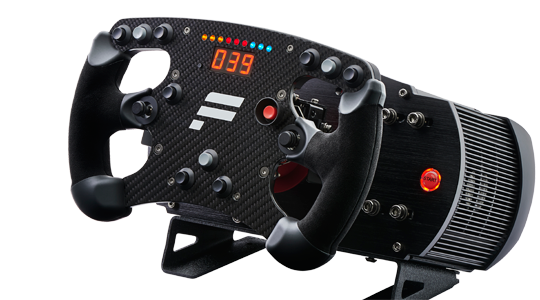
So let’s say you’ve gone online and grabbed the perfect peripheral for you. You may now be wondering, what games are best to try out on my new piece of tech? Well, don’t worry, we have you covered. Here is a quick list of racing titles or series that support racing peripherals brilliantly.
- rFactor
- iRacing
- Assetto Corsa
- rFactor 2
- Dirt Rally 2.0
- Gran Turismo
- Automobilista
So, what actually makes a sim feel realistic? It’s not just about the software or how good the graphics look; it’s about how clearly you can sense what the car is doing underneath you. At the end of the day, if you can’t genuinely feel the grip, the weight transfer, or that precise moment you lose control, no simulator is ever going to feel truly real.